Official video library
Official product and workflow videos
Watch official MWE and ChackTok videos covering product overviews, demonstrations, installation, setup, and operating workflows.
Start watchingOfficial YouTube channels
01 / FEATURED
Featured MWE and ChackTok videos
Explore MWE hardware in real settings and ChackTok software in professional interactive imaging workflows.
02 / PRODUCT & PROCESS
Product demonstrations, setup tutorials, and workflow guides
Browse the video library by product and task. Each video includes its title, publication date, duration, and official channel.
 00:4801
MWE.GLOBALProduct showcase
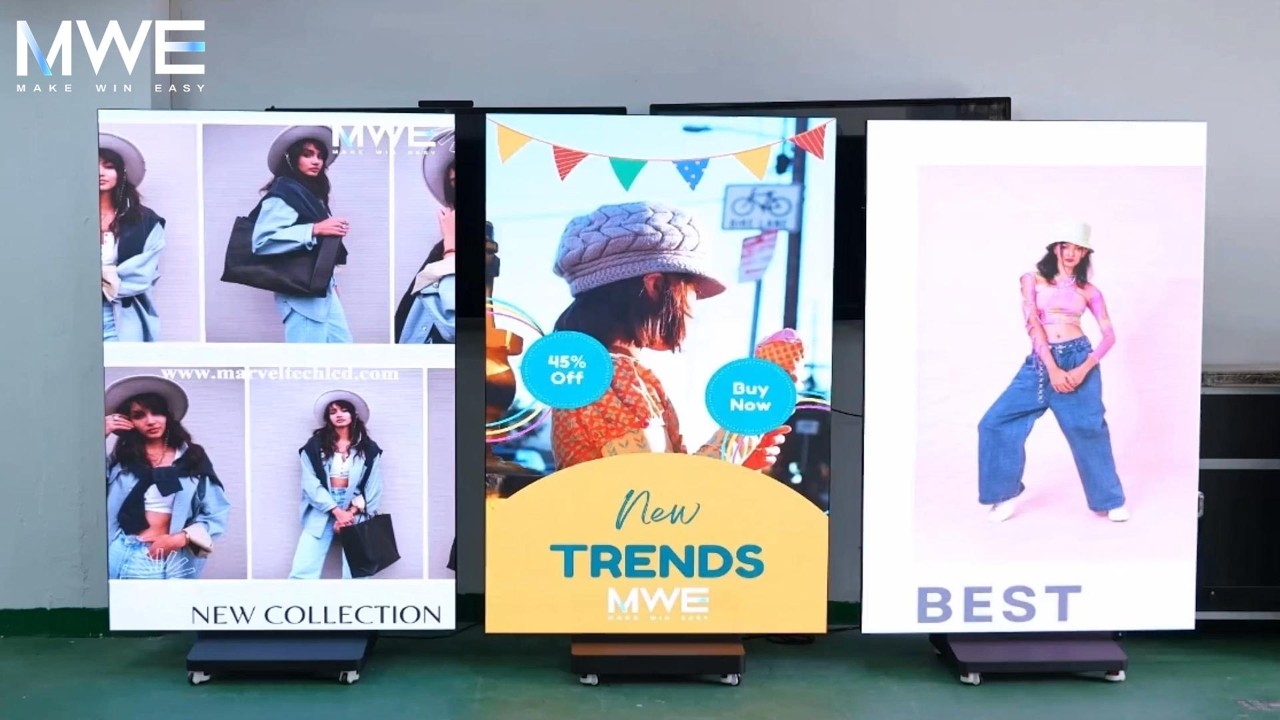
Tri-Fold LED Poster Screen Showcase
A short product showcase of the MWE tri-fold LED poster screen in operation.
 05:3102
MWE.GLOBALTutorial
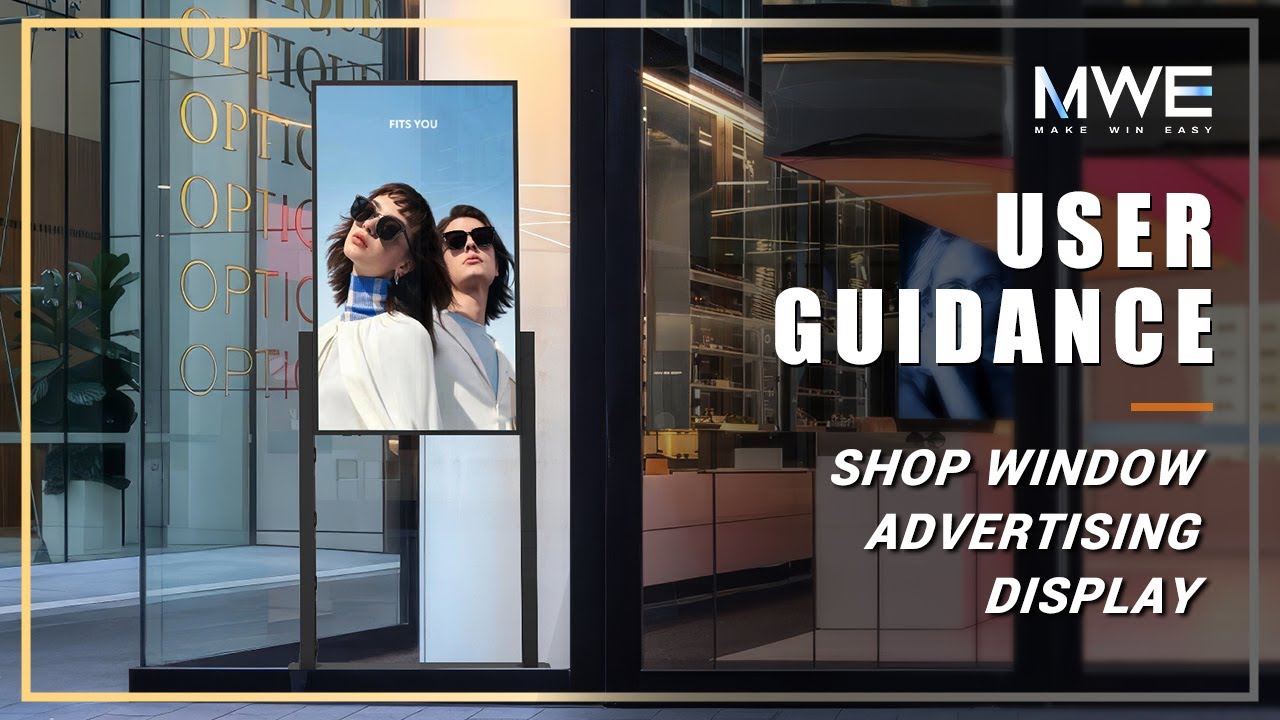
MWE 49-inch Shop Window Advertising Display User Guidance
An installation and operating guide for the MWE 49-inch shop-window advertising display.
 06:1703
MWE.GLOBALTutorial
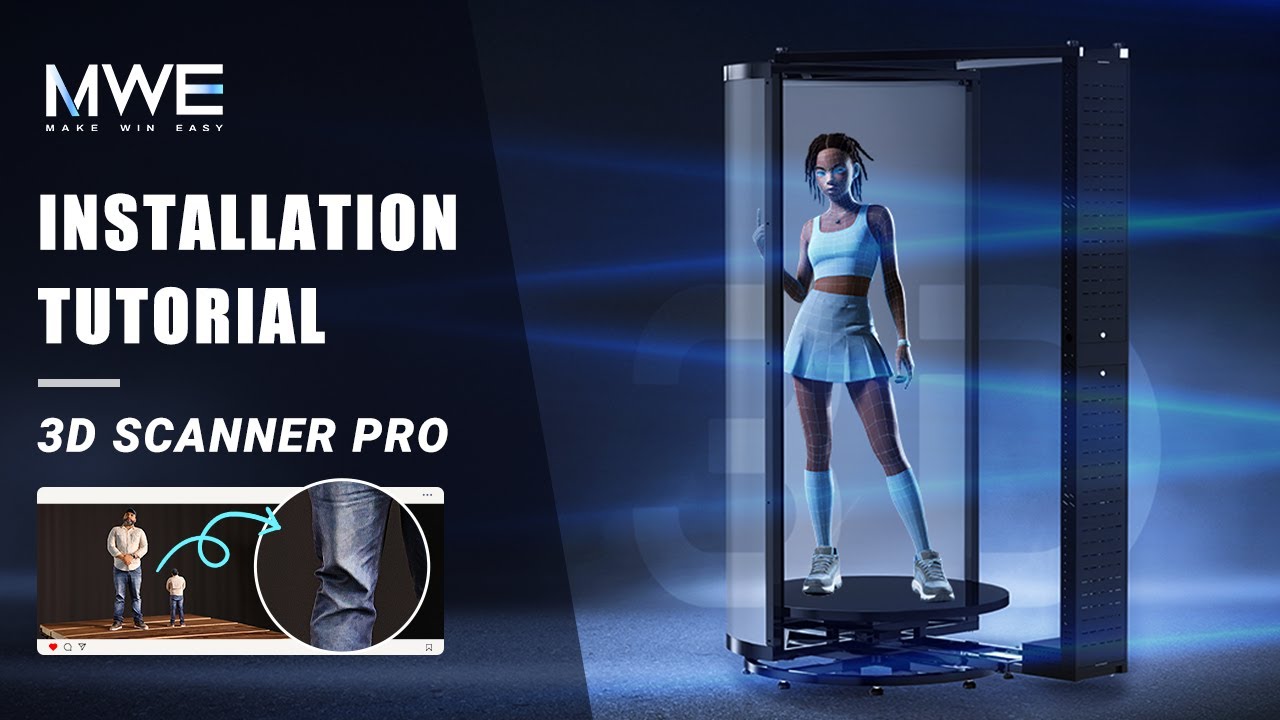
MWE 3D Scanner Pro Installation Tutorial
A step-by-step installation tutorial for the MWE 3D Scanner Pro.
 07:1204
MWE.GLOBALTutorial
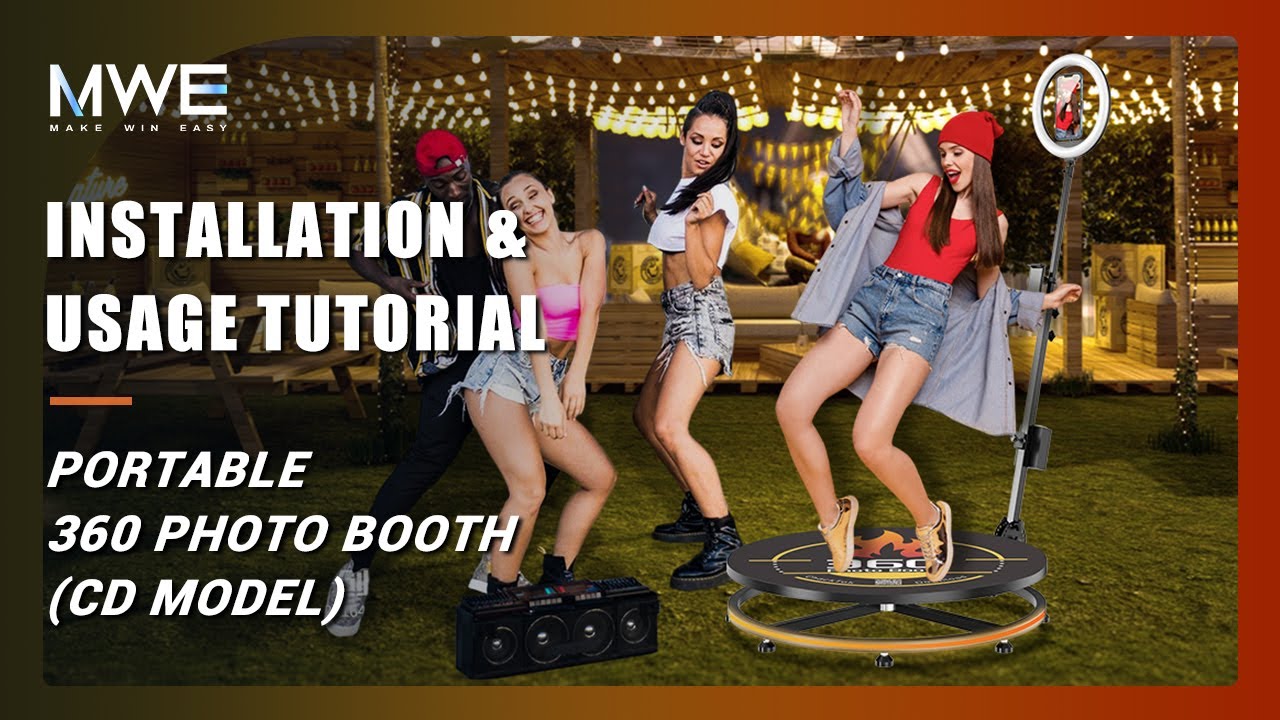
MWE Portable 360 Photo Booth Installation and Usage Tutorial
An installation and usage tutorial for the MWE portable 360 Photo Booth CD model.
 04:3205
MWE.GLOBALWorkflow
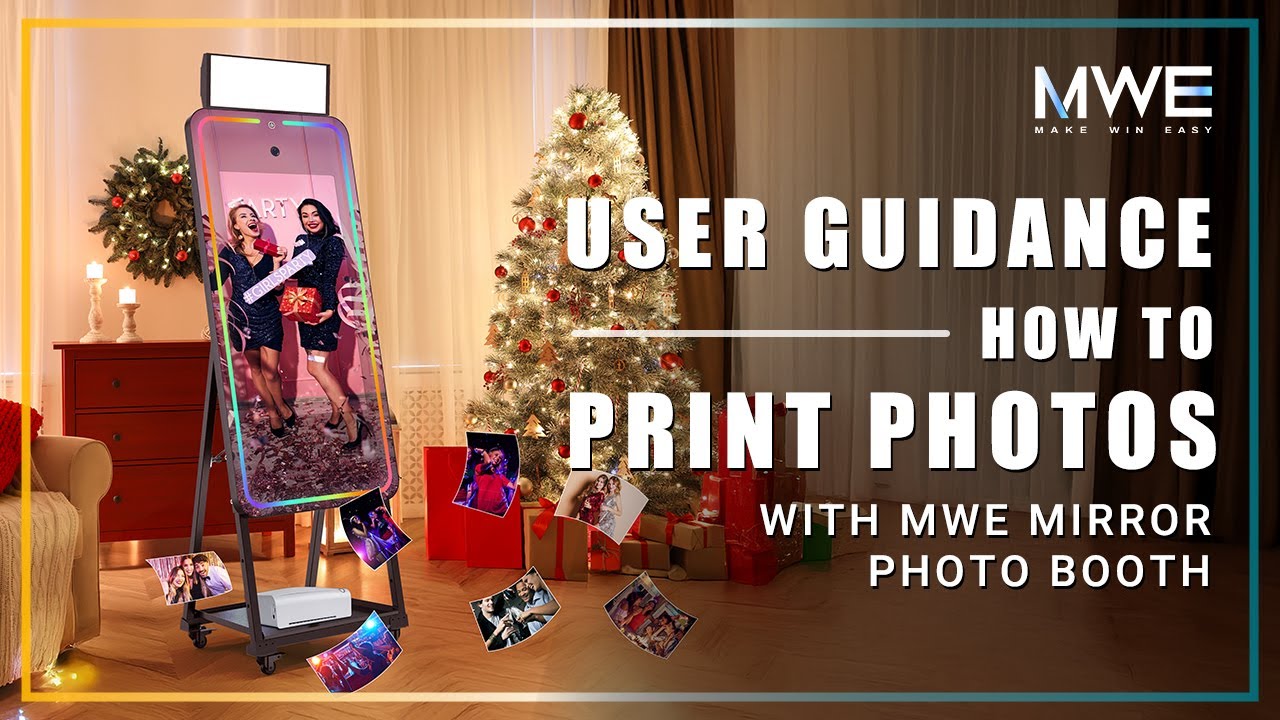
How to Print Photos Instantly with MWE Mirror Photo Booth
A workflow demonstration showing instant photo printing with the MWE Mirror Photo Booth.
 08:1606
ChackTokTutorial
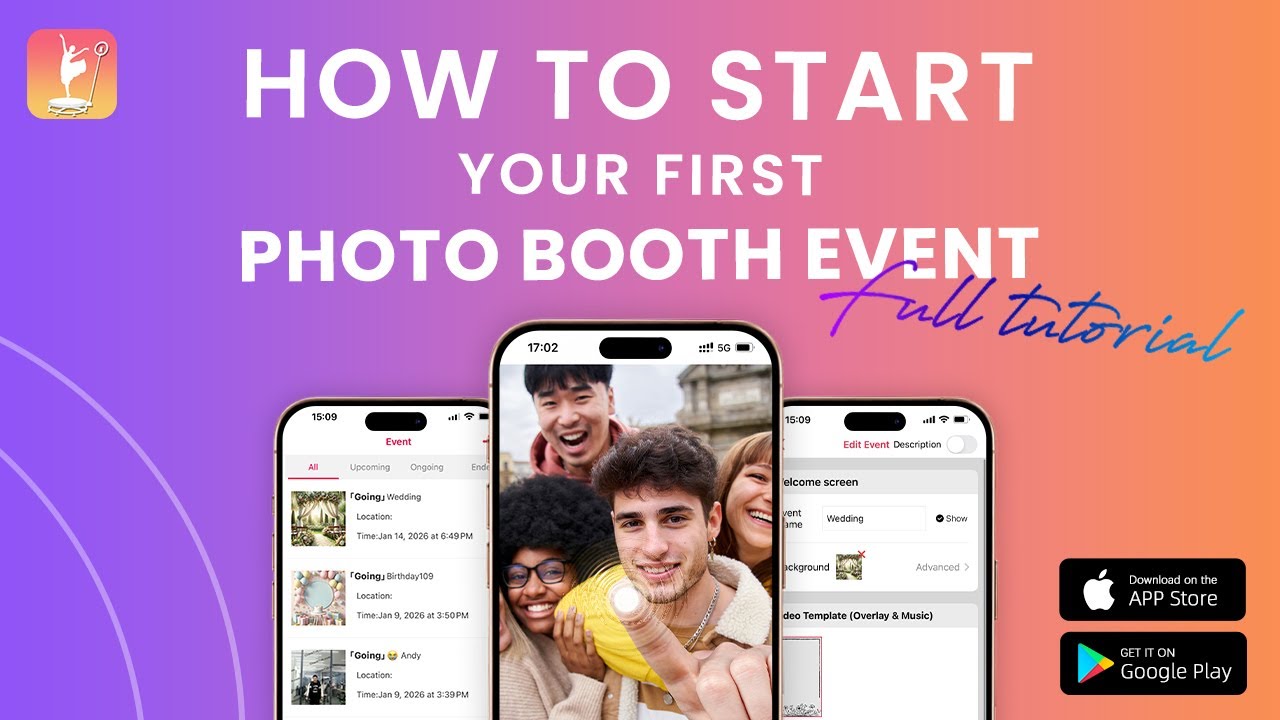
How to Start Your First Photo Booth Event
A guided setup of a first Photo Booth event in ChackTok.
 03:0907
ChackTokTutorial
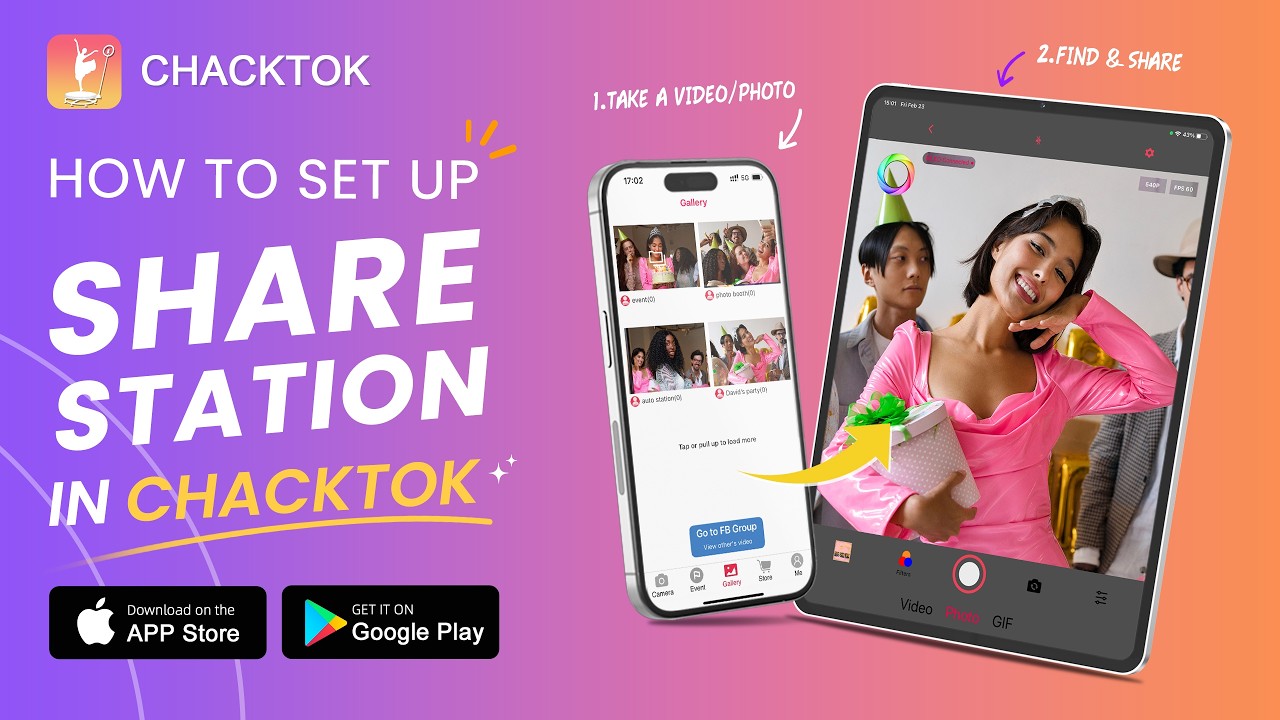
How to Set Up Share Station in ChackTok
A step-by-step setup guide for ChackTok Share Station.
 04:0808
ChackTokWorkflow
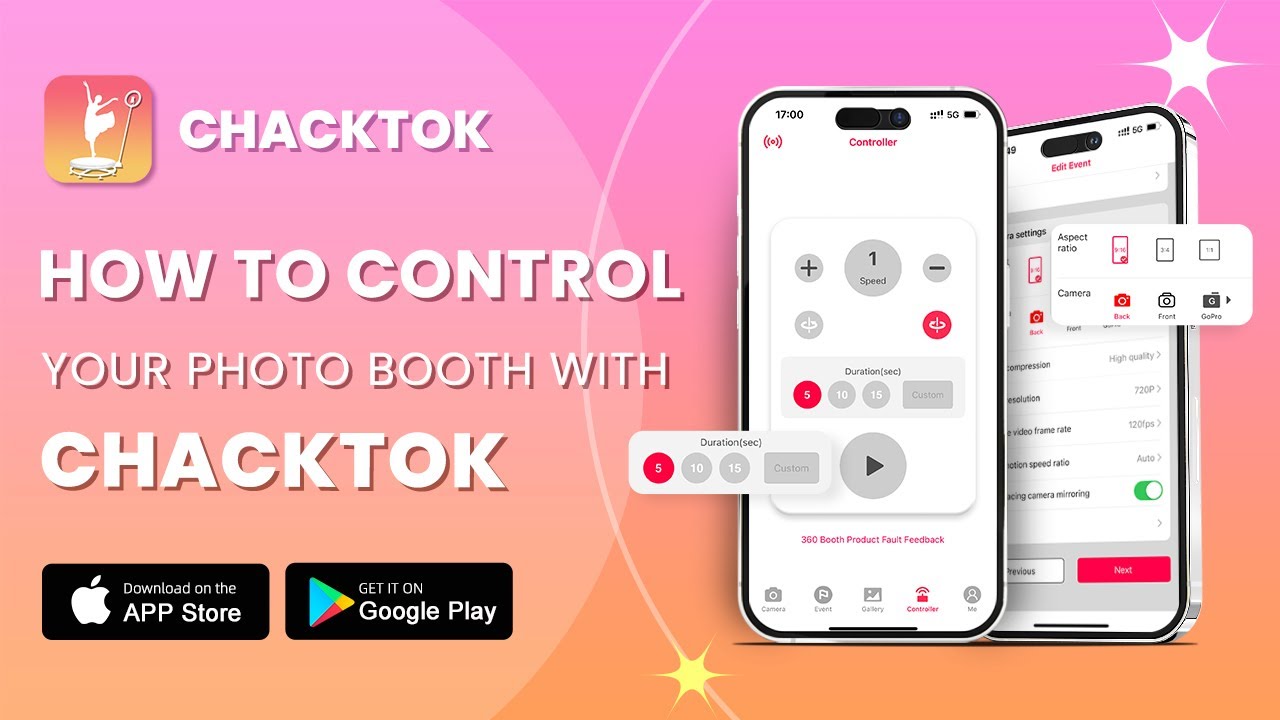
How to Control Your Photo Booth with ChackTok
A demonstration of Photo Booth control through ChackTok.
03 / FROM SCREEN TO SYSTEM
Explore the products featured in these videos
The Product Portfolio connects each video with the relevant commercial display, Photo Booth, 3D scanning, robotic camera-arm, or software category.
Open the Product PortfolioVideo details updated . Playback uses YouTube privacy-enhanced mode and begins only after a film is selected.